Remember the frenzy of 2021? That was when digital art sold for millions, and everyone seemed to have an opinion on whether non-fungible tokens were the future or a bubble. Fast forward to August 2026, and the dust has settled. The hype is gone, but the utility remains. If you’re here now, you probably aren’t looking to flip a pixelated ape for a quick fortune. You want to understand how this technology actually works so you can participate in the market without getting burned.
Buying and selling NFTs is less about gambling and more about navigating a specific set of digital tools. It requires a crypto wallet, some cryptocurrency, and a marketplace account. Sounds simple? It is, until you hit your first gas fee or realize you sent your asset to the wrong address. This guide breaks down exactly how to buy and sell NFTs today, cutting through the jargon to give you practical steps that work right now.
What Exactly Is an NFT?
Before you spend a single cent, let’s clear up what you’re actually buying. An NFT (Non-Fungible Token) is a unique digital certificate stored on a blockchain. Unlike Bitcoin, where one coin is identical to another, every NFT has distinct metadata that makes it one-of-a-kind. Think of it like a signed baseball card versus a dollar bill. The dollar bill doesn’t matter which one you hold; the signed card matters because of who signed it and its condition.
Most people assume owning an NFT means owning the copyright to the image. It usually doesn’t. When you buy an NFT, you own the token-the proof of authenticity and ownership recorded on the blockchain. You typically do not get commercial rights to use that image in ads or merchandise unless the smart contract explicitly grants them. Always check the project’s terms before buying. This distinction trips up many beginners, leading to confusion when they try to use their purchased assets commercially.
Setting Up Your Digital Wallet
You can’t buy NFTs with a credit card directly on most major platforms anymore. You need a digital wallet. This isn’t a bank account; it’s a piece of software that holds your private keys. These keys are the passwords that prove you own the crypto inside. If you lose these keys, you lose everything. There is no "forgot password" button.
The industry standard is MetaMask. It’s a browser extension and mobile app that connects seamlessly with almost every major NFT marketplace. Here’s how to get started:
- Install MetaMask: Download the official extension from metamask.io. Beware of fake sites; always double-check the URL.
- Create a Wallet: Follow the prompts to create a new wallet. You’ll be given a "Seed Phrase"-a list of 12 or 24 words.
- Secure Your Seed Phrase: Write these words down on paper. Never store them digitally (no screenshots, no cloud notes). Anyone with these words can drain your funds.
- Fund Your Wallet: You’ll need cryptocurrency. Most NFTs trade on the Ethereum network using ETH. Some newer projects use Solana or Polygon for lower fees.
If you’re starting small, consider using the Polygon network instead of Ethereum mainnet. Gas fees on Polygon are cents, whereas Ethereum fees can still spike during busy periods. Just remember: assets on Polygon don’t automatically move to Ethereum. They exist on separate chains.
Choosing the Right Marketplace
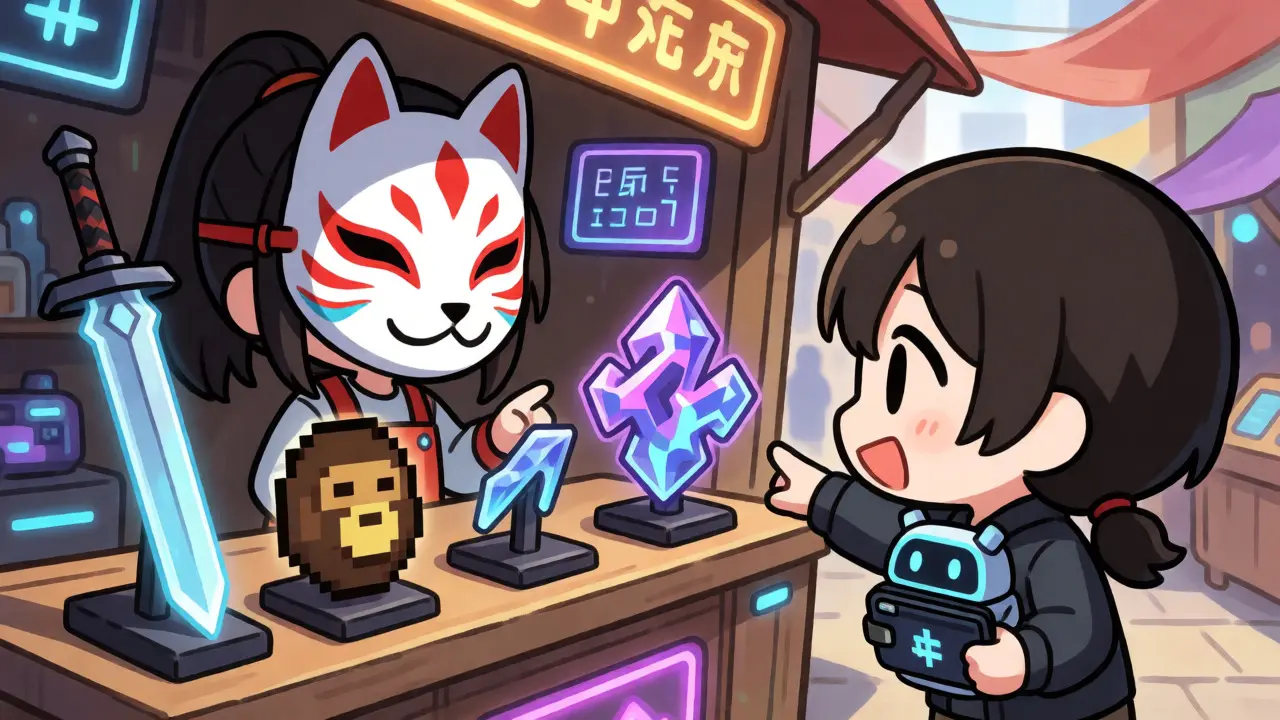
Once your wallet is ready, you need a place to shop. OpenSea remains the dominant player, holding a significant share of the market since its launch in 2017. However, the landscape has fragmented. Depending on what you’re looking for, other platforms might serve you better.
| Platform | Best For | Primary Chain | Service Fee |
|---|---|---|---|
| OpenSea | General trading, wide variety | Ethereum, Polygon, Solana | 2.5% |
| Rarible | Creator-focused communities | Ethereum, Tezos | 2.5% - 5% |
| Magic Eden | Solana ecosystem, gaming | Solana | 2% |
| Foundation | High-end digital art | Ethereum | 5% |
For most beginners, OpenSea is the safest bet due to its size and liquidity. If you’re interested in cheaper transactions, look at Magic Eden if you prefer Solana, or stick to OpenSea’s Polygon support. Foundation is great if you appreciate curated, high-art pieces, but expect higher fees and a more exclusive vibe.
How to Buy an NFT Step-by-Step
Buying an NFT is similar to online shopping, but with a few critical twists. Let’s walk through a purchase on OpenSea.
- Connect Your Wallet: Click the "Profile" icon on the top right and select "Connect Wallet." Choose MetaMask and approve the connection in your browser pop-up.
- Browse and Filter: Use filters to narrow down by price, collection, or chain. Don’t just look at the floor price (the cheapest item in a collection); look at recent sales data to see actual transaction volumes.
- Check the Contract Address: Scammers often clone popular collections. Verify the contract address matches the official one listed on the project’s website or Discord.
- Add to Cart or Buy Now: If the seller has set a fixed price, click "Buy Now." If it’s an auction, you’ll place a bid.
- Review Fees: Before confirming, MetaMask will show you the total cost. This includes the NFT price, OpenSea’s service fee, and the gas fee (network transaction cost). Ensure you have enough ETH in your wallet to cover all of this.
- Confirm Transaction: Approve the transaction in your wallet. Wait for the blockchain to confirm it. This can take anywhere from seconds (on Solana/Polygon) to several minutes (on Ethereum).
A common mistake is underfunding the wallet. If you try to buy an NFT for 0.1 ETH but only have 0.1 ETH in your wallet, the transaction will fail because there’s nothing left to pay the gas fee. Always keep a buffer of extra ETH for network costs.
How to Sell Your NFT
Selling is where many creators and flippers struggle. You can’t just upload a file and expect buyers. You need to mint your NFT first. Minting is the process of publishing your token on the blockchain. Historically, this cost money upfront. Today, most platforms offer "lazy minting," where the token isn’t written to the blockchain until someone buys it. This saves you from paying gas fees if your item never sells.
To sell on OpenSea:
- Go to Your Profile: Navigate to "My Items" and find the NFT you want to sell.
- Select "List for Sale": Choose between a fixed price or a timed auction. Fixed prices are easier for quick flips; auctions work better for rare items where you want competitive bidding.
- Set Your Price: Research comparable sales. Look at the last 10 sales of similar items in your collection. Pricing too high leads to zero interest; pricing too low leaves money on the table.
- Set Expiration: Decide how long the listing lasts. Common durations are 1 day, 3 days, or 7 days.
- Sign the Listing: You’ll need to sign two transactions in your wallet. One approves OpenSea to manage your item (this is a one-time thing per collection), and the second lists the item. Note: On some networks, signing the approval transaction costs gas.
Keep in mind that royalties are built into the smart contract. If you’re buying a secondary sale, you might owe the original creator 5-10% of the sale price. As a seller, you receive the net amount after platform fees and royalties are deducted.
Understanding Gas Fees and Network Costs
Gas fees are the bane of many NFT traders. These are payments to validators who process transactions on the blockchain. On Ethereum, gas fees fluctuate based on network congestion. During peak times, swapping tokens or minting an NFT could cost $20-$50. In quieter periods, it might drop to $2-$5.
How do you manage this?
- Time Your Transactions: Check gas trackers like Etherscan Gas Tracker. Avoid trading during US business hours if possible, as demand spikes then.
- Use Layer 2 Solutions: Networks like Arbitrum, Optimism, or Polygon batch transactions together, reducing individual costs significantly. Many newer NFT projects launch directly on these chains to attract budget-conscious users.
- Batch Actions: If you’re selling multiple items, some platforms allow bulk listings, though each final sale still incurs a gas fee upon purchase.
If you’re selling a low-value NFT ($10-$50), high gas fees can eat your entire profit margin. For these items, sticking to Polygon or Solana is almost mandatory for profitability.
Security Risks Every Buyer Should Know
The NFT space is rife with scams. Since transactions are irreversible, sending your funds to a scammer means they’re gone forever. Here are the top threats in 2026:
- Phishing Links: Be wary of DMs on Discord or Twitter claiming you’ve won an airdrop. Never click links from unknown senders. Always navigate to the marketplace manually.
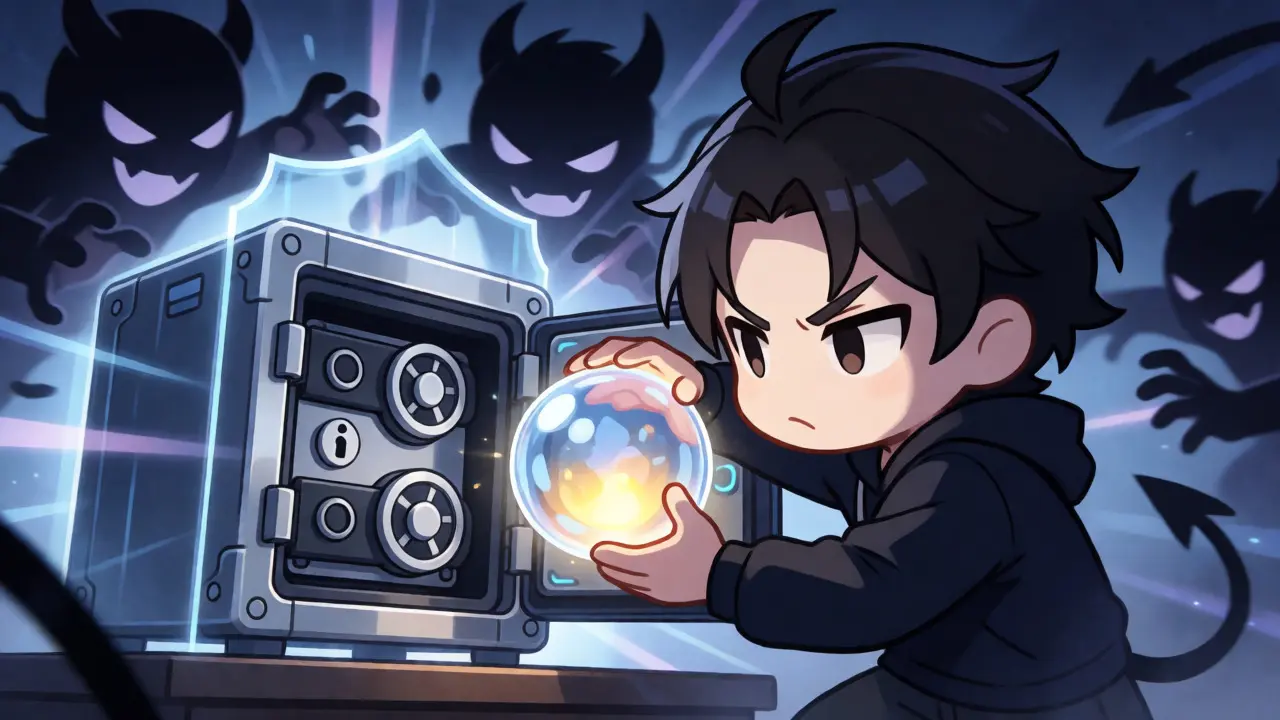
- Malicious Contracts: Some fake NFTs ask you to sign a transaction that gives the contract permission to drain your wallet. Read what you’re signing in MetaMask. If it says "Approve All" or looks suspicious, cancel it.
- Fake Collections: Scammers copy-paste popular artwork and list it under slightly different names. Always verify the collection’s history and social media presence.
For large purchases, consider using a hardware wallet like Ledger or Trezor. These devices keep your private keys offline, making it nearly impossible for malware to steal your funds while browsing.
Tips for Success in the Current Market
The market has cooled since the 2021 boom. Speculation is down, but utility is up. Projects that offer real-world benefits, community access, or gaming integration tend to hold value better than pure JPEGs.
Here is a checklist before you make any move:
- Do Your Own Research (DYOR): Join the project’s Discord. Are the developers active? Is the community engaged, or is it just bots shouting "WAGMI"?
- Start Small: Don’t go all-in on your first purchase. Buy a cheap item to learn the mechanics of wallets, gas, and transfers.
- Diversify Chains: Don’t put all your eggs in the Ethereum basket. Explore Solana, Base, or Polygon to see where the activity is happening.
- Ignore FOMO: If a project is trending because of a celebrity tweet, it’s likely already overpriced. Wait for the dust to settle.
Buying and selling NFTs isn’t rocket science, but it does require attention to detail. Treat it like any other financial investment: protect your capital, understand the risks, and stay informed. The tools have improved, the interfaces are cleaner, and the barriers to entry are lower than ever. Now that you know the ropes, you can decide whether to jump in or watch from the sidelines.
Do I need to pay taxes on NFT profits?
Yes, in most jurisdictions, including Australia and the US, NFTs are treated as property or collectibles. Profits from selling NFTs are subject to Capital Gains Tax. Keep detailed records of purchase dates, sale dates, and transaction fees to calculate your liability accurately.
Can I sell an NFT if I don't own the copyright?
Absolutely. Owning the NFT gives you the right to sell the token itself, regardless of copyright status. Copyright usually remains with the artist unless explicitly transferred. You are selling the proof of ownership, not necessarily the right to reproduce the image commercially.
Why did my transaction fail?
Common reasons include insufficient funds for gas fees, network congestion causing timeouts, or rejecting the transaction prompt in your wallet. Always ensure your wallet balance exceeds the sum of the item price plus estimated gas fees.
Is it safe to connect my wallet to random websites?
No. Only connect your wallet to reputable marketplaces like OpenSea or Rarible. Malicious sites can request permissions that allow them to withdraw tokens from your wallet without further approval. Revoke unnecessary permissions regularly using tools like Revoke.cash.
What happens if the NFT project shuts down?
The NFT remains on the blockchain forever. However, its value may plummet if the community dies and the utility disappears. The token exists independently of the company behind it, but its cultural and financial relevance depends on ongoing engagement.